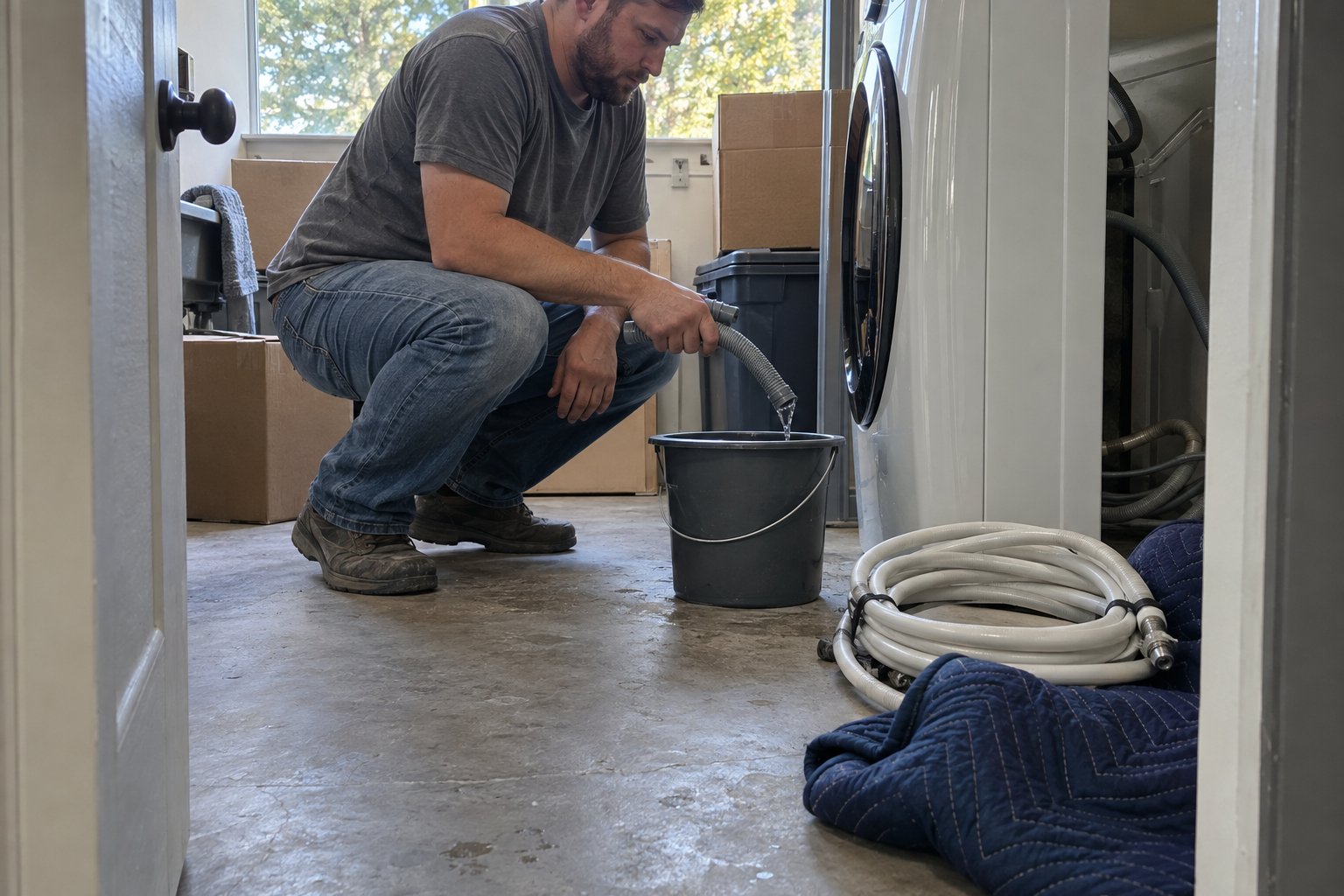
Prepping large electronics and TVs for a move means finding or building rigid, flat protection for the screen, documenting cable connections before you unplug anything, and loading the unit upright and braced so nothing presses against the panel during transit. Flat-panel TVs look sturdy sitting on a stand, but the screen itself is thin glass or plastic that cracks under pressure points other furniture would shrug off. Getting the prep right takes maybe twenty minutes per television and prevents the single most common electronics casualty of a move: a screen that worked fine until the truck hit a pothole.
This guide covers the full prep process for TVs, gaming consoles, receivers, and similar large electronics, not just the box they go in. Boxing is only step three. Most screen damage and connection headaches trace back to what happened, or did not happen, before the box was ever sealed.
Why Do TVs Get Damaged During Moves So Often?
TVs get damaged in moves because they are almost always loaded flat or leaned at an angle, and pressure that would be harmless on a dresser becomes a crack risk on a thin screen. The second-most common cause is static or a hard jolt reaching the panel through packaging that looked protective but was not actually rigid.
A TV screen is not glass in the sense most people picture. It is a layered panel, and flat-panel displays are built to be viewed, not stacked on, braced against, or laid flat under other weight. When a TV travels flat in the bed of a truck or the back of an SUV, with boxes stacked on top "just for the ride," the panel can develop pressure cracks or dead pixel patches that do not show up until you power it on at the new place. By then, there is no way to tell where in the move it happened.
Should You Use the Original TV Box or a Replacement?
The original manufacturer box with its molded foam inserts is the best option every time, because it was engineered specifically for that model's weight distribution and screen size. If you no longer have it, a dedicated TV moving box with adjustable panels and foam corners is the next best choice, and a flat cardboard "sandwich" with moving blankets on both sides is an acceptable fallback.
If You Still Have the Original Box
Check that the foam inserts are still intact and not crushed from storage. If they are, the box is ready to use as-is. Slide the TV in screen-first or back-first exactly as the foam is shaped for, and seal the box with the original tape points reinforced.
If the Original Box Is Gone
Buy a TV box kit sized to your screen's diagonal measurement, not the furniture footprint. These kits typically include a telescoping outer box and corner foam. Avoid using a box that is visibly too large; a loose-fitting box lets the TV shift and defeats the purpose of corner protection entirely.
The No-Box Method
If no box is available, sandwich the screen between two thick moving blankets, tape the blankets snugly (never taping directly to the screen), and sandwich that bundle between two sheets of rigid cardboard cut slightly larger than the panel. This will not match a purpose-built box, but it prevents the two things that cause the most damage: direct pressure and flex across the panel.
How Do You Document Cables Before Disconnecting Everything?
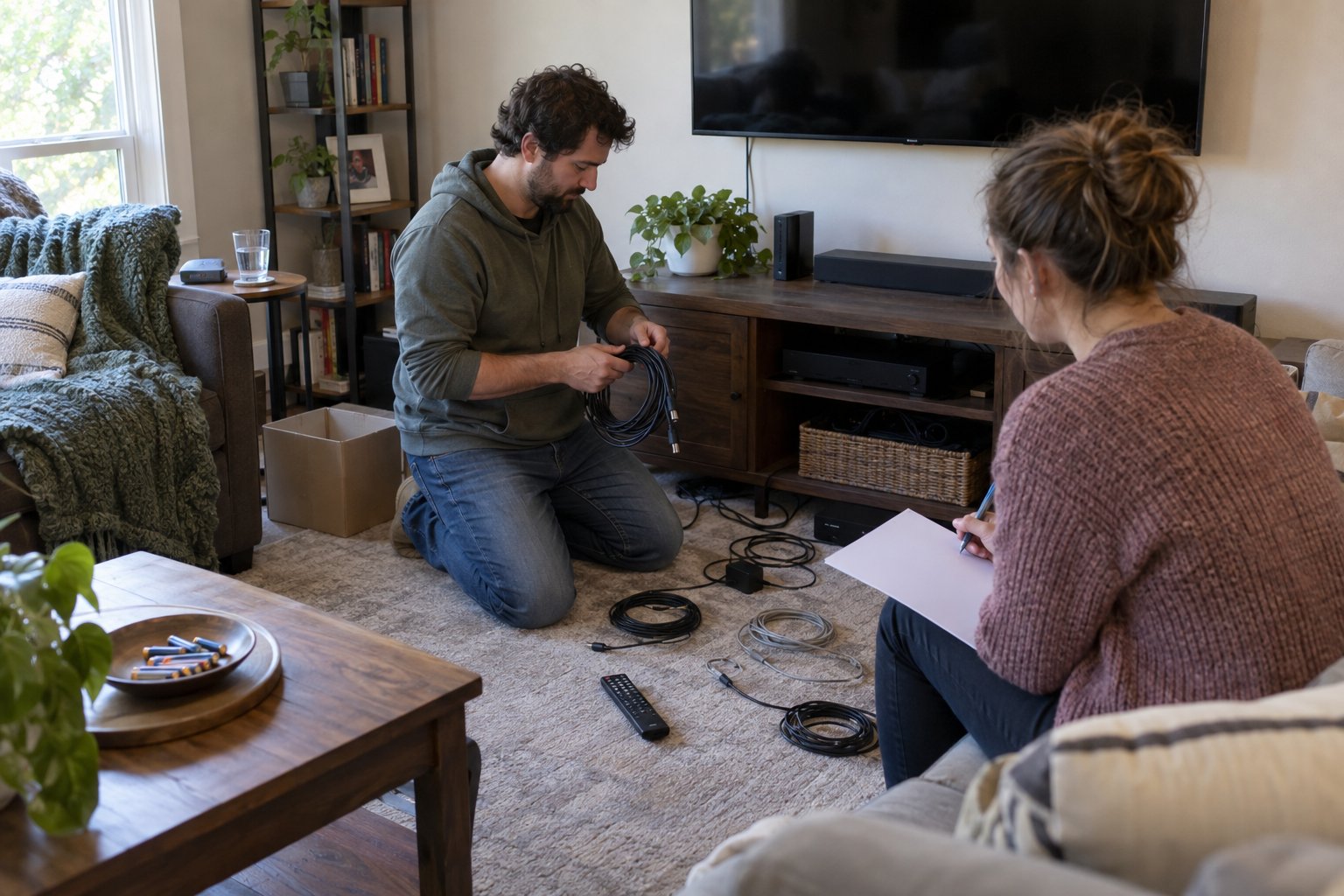
Before you unplug a single cable, take a clear photo of the full setup from a couple of angles, then label each cable at both ends with masking tape and a number or short description. This single step is what separates a thirty-minute reconnection at the new house from an hour spent guessing which HDMI port fed the soundbar.
Home entertainment setups tend to accumulate cable complexity over years: a cable box, a streaming device, a soundbar, maybe a gaming console, all routed through an HDMI switch or the TV's own inputs. Trying to remember that arrangement from memory a few weeks later rarely works. After photographing and labeling, bundle each device's cables together with a twist tie or velcro strap and place small components (remotes, HDMI adapters, power bricks) into a single clearly labeled bag rather than scattering them across boxes. For a deeper walkthrough on organizing cables, remotes, and small media components so your setup reconnects quickly, see this guide on packing home theater cables and remotes.
What to Do With Wall-Mount Hardware
If the TV was wall-mounted, remove the mounting plate from the back of the TV and pack the plate, the wall bracket, and the mounting screws together in one labeled bag taped to the inside of the TV box or kept with your hardware kit. Buying a new mount because the old hardware got lost in transit is a common and avoidable expense.
What's the Safest Way to Load a TV Onto the Truck?
A TV should always travel upright, the same orientation it sits in on a stand, braced on both sides so it cannot tip, slide, or lean. It should never be laid flat with weight stacked on top, and it should never be wedged into a gap as an afterthought once everything else is loaded.
Plan the TV's spot on the truck before loading begins, ideally against a padded wall of the truck or between two soft-sided items like mattresses or cushions, never against hard furniture edges or boxes with sharp corners. Secure it with a strap or rope so it cannot shift when the truck brakes or turns, but avoid cinching the strap so tight it puts pressure on the box itself. Getting the loading order and bracing right across an entire truckload, not just the electronics, is exactly what a crew practices daily; if you want the whole job handled this carefully, a professional loading and unloading service plans fragile items into the layout from the start instead of wedging them in last.
How Do You Set Electronics Up Safely at the New Home?
Let a TV that has been in a cold truck or storage unit sit at room temperature for a few hours before powering it on, since condensation can form inside the casing after a temperature change. Then reconnect using your labeled cables and photos, and test each input before you consider the setup finished.
Unbox the TV in the room where it will live rather than carrying an unboxed screen through hallways and doorways. Reconnect cables according to your labels, power the TV on, and cycle through every input to confirm the cable box, streaming device, and audio all function correctly. If anything looks off, a faint crack, a dead patch of pixels, a line across the screen, photograph it immediately and keep the original packaging in case you need to file a claim.
A Quick Pre-Move Checklist for Electronics
- Photograph the full entertainment setup from multiple angles before disconnecting anything
- Label every cable at both ends before removing it
- Remove wall-mount hardware and bag it with screws and brackets together
- Use the original box if available, a sized TV box kit if not, or a blanket-and-cardboard sandwich as a last resort
- Load upright, braced on both sides, never flat with weight on top
- Let the TV acclimate to room temperature before powering it back on
If your move involves a full house of electronics, fragile decor, and furniture that needs to be wrapped and loaded correctly, it is often worth having experienced hands manage the heavy lifting while you focus on the setup details that matter to you. A professional packing service can handle the electronics, fragile items, and everything in between using materials sized for the job, which is especially useful if you are juggling a home theater, a home office, and the rest of the house on the same moving day. For furniture that needs to be protected on the way out the door, furniture wrapping covers the pads and floor protection that keep both your gear and your home free of new dents and scratches. When you are ready to put real numbers behind the plan, you can always get a moving quote from our team.
Frequently Asked Questions
Can you lay a flat screen TV down for transport if you have no other option?
It is best avoided. If there is truly no way to keep it upright, lay it screen-up (never screen-down) on a padded, rigid surface with nothing stacked on top, and keep the drive as short and smooth as possible. Upright and braced is always the safer choice when it is available.
Do you need to let a TV sit before plugging it in after a move?
Yes, especially if it traveled in a cold truck or sat in storage during temperature swings. Give it a few hours at room temperature before powering it on so any internal condensation has time to clear.
What's the best way to move a TV without the original box?
A sized TV moving box kit with corner foam is the next best option. Without that, sandwich the screen between thick moving blankets taped snugly around the edges, then place that bundle between two pieces of rigid cardboard for extra rigidity.
How do you keep track of which cable goes where after a move?
Photograph the full setup before disconnecting anything, then label each cable at both ends with tape and a short description or number. Bag small components like remotes and adapters separately and clearly.
Should a soundbar or gaming console be packed differently than a TV?
They do not need screen protection, but they should still travel in a snug box with padding around the edges and their cables labeled and bundled the same way as the TV's. Loose components inside an oversized box can shift and damage ports during transit.
Prepping large electronics and TVs for a move means finding or building rigid, flat protection for the screen, documenting cable connections before you unplug anything, and loading the unit upright and braced so nothing presses against the panel during transit. Flat-panel TVs look sturdy sitting on a stand, but the screen itself is thin glass or plastic that cracks under pressure points other furniture would shrug off. Getting the prep right takes maybe twenty minutes per television and prevents the single most common electronics casualty of a move: a screen that worked fine until the truck hit a pothole.
This guide covers the full prep process for TVs, gaming consoles, receivers, and similar large electronics, not just the box they go in. Boxing is only step three. Most screen damage and connection headaches trace back to what happened, or did not happen, before the box was ever sealed.
Why Do TVs Get Damaged During Moves So Often?
TVs get damaged in moves because they are almost always loaded flat or leaned at an angle, and pressure that would be harmless on a dresser becomes a crack risk on a thin screen. The second-most common cause is static or a hard jolt reaching the panel through packaging that looked protective but was not actually rigid.
A TV screen is not glass in the sense most people picture. It is a layered panel, and flat-panel displays are built to be viewed, not stacked on, braced against, or laid flat under other weight. When a TV travels flat in the bed of a truck or the back of an SUV, with boxes stacked on top "just for the ride," the panel can develop pressure cracks or dead pixel patches that do not show up until you power it on at the new place. By then, there is no way to tell where in the move it happened.
Should You Use the Original TV Box or a Replacement?
The original manufacturer box with its molded foam inserts is the best option every time, because it was engineered specifically for that model's weight distribution and screen size. If you no longer have it, a dedicated TV moving box with adjustable panels and foam corners is the next best choice, and a flat cardboard "sandwich" with moving blankets on both sides is an acceptable fallback.
If You Still Have the Original Box
Check that the foam inserts are still intact and not crushed from storage. If they are, the box is ready to use as-is. Slide the TV in screen-first or back-first exactly as the foam is shaped for, and seal the box with the original tape points reinforced.
If the Original Box Is Gone
Buy a TV box kit sized to your screen's diagonal measurement, not the furniture footprint. These kits typically include a telescoping outer box and corner foam. Avoid using a box that is visibly too large; a loose-fitting box lets the TV shift and defeats the purpose of corner protection entirely.
The No-Box Method
If no box is available, sandwich the screen between two thick moving blankets, tape the blankets snugly (never taping directly to the screen), and sandwich that bundle between two sheets of rigid cardboard cut slightly larger than the panel. This will not match a purpose-built box, but it prevents the two things that cause the most damage: direct pressure and flex across the panel.
How Do You Document Cables Before Disconnecting Everything?
Before you unplug a single cable, take a clear photo of the full setup from a couple of angles, then label each cable at both ends with masking tape and a number or short description. This single step is what separates a thirty-minute reconnection at the new house from an hour spent guessing which HDMI port fed the soundbar.
Home entertainment setups tend to accumulate cable complexity over years: a cable box, a streaming device, a soundbar, maybe a gaming console, all routed through an HDMI switch or the TV's own inputs. Trying to remember that arrangement from memory a few weeks later rarely works. After photographing and labeling, bundle each device's cables together with a twist tie or velcro strap and place small components (remotes, HDMI adapters, power bricks) into a single clearly labeled bag rather than scattering them across boxes. For a deeper walkthrough on organizing cables, remotes, and small media components so your setup reconnects quickly, see this guide on packing home theater cables and remotes.
What to Do With Wall-Mount Hardware
If the TV was wall-mounted, remove the mounting plate from the back of the TV and pack the plate, the wall bracket, and the mounting screws together in one labeled bag taped to the inside of the TV box or kept with your hardware kit. Buying a new mount because the old hardware got lost in transit is a common and avoidable expense.
What's the Safest Way to Load a TV Onto the Truck?
A TV should always travel upright, the same orientation it sits in on a stand, braced on both sides so it cannot tip, slide, or lean. It should never be laid flat with weight stacked on top, and it should never be wedged into a gap as an afterthought once everything else is loaded.
Plan the TV's spot on the truck before loading begins, ideally against a padded wall of the truck or between two soft-sided items like mattresses or cushions, never against hard furniture edges or boxes with sharp corners. Secure it with a strap or rope so it cannot shift when the truck brakes or turns, but avoid cinching the strap so tight it puts pressure on the box itself. Getting the loading order and bracing right across an entire truckload, not just the electronics, is exactly what a crew practices daily; if you want the whole job handled this carefully, a professional loading and unloading service plans fragile items into the layout from the start instead of wedging them in last.
How Do You Set Electronics Up Safely at the New Home?
Let a TV that has been in a cold truck or storage unit sit at room temperature for a few hours before powering it on, since condensation can form inside the casing after a temperature change. Then reconnect using your labeled cables and photos, and test each input before you consider the setup finished.
Unbox the TV in the room where it will live rather than carrying an unboxed screen through hallways and doorways. Reconnect cables according to your labels, power the TV on, and cycle through every input to confirm the cable box, streaming device, and audio all function correctly. If anything looks off, a faint crack, a dead patch of pixels, a line across the screen, photograph it immediately and keep the original packaging in case you need to file a claim.
A Quick Pre-Move Checklist for Electronics
- Photograph the full entertainment setup from multiple angles before disconnecting anything
- Label every cable at both ends before removing it
- Remove wall-mount hardware and bag it with screws and brackets together
- Use the original box if available, a sized TV box kit if not, or a blanket-and-cardboard sandwich as a last resort
- Load upright, braced on both sides, never flat with weight on top
- Let the TV acclimate to room temperature before powering it back on
If your move involves a full house of electronics, fragile decor, and furniture that needs to be wrapped and loaded correctly, it is often worth having experienced hands manage the heavy lifting while you focus on the setup details that matter to you. A professional packing service can handle the electronics, fragile items, and everything in between using materials sized for the job, which is especially useful if you are juggling a home theater, a home office, and the rest of the house on the same moving day. For furniture that needs to be protected on the way out the door, furniture wrapping covers the pads and floor protection that keep both your gear and your home free of new dents and scratches. When you are ready to put real numbers behind the plan, you can always get a moving quote from our team.
Have Questions About Your Move?
Can you lay a flat screen TV down for transport if you have no other option?
It is best avoided. If there is truly no way to keep it upright, lay it screen-up (never screen-down) on a padded, rigid surface with nothing stacked on top, and keep the drive as short and smooth as possible. Upright and braced is always the safer choice when it is available.
Do you need to let a TV sit before plugging it in after a move?
Yes, especially if it traveled in a cold truck or sat in storage during temperature swings. Give it a few hours at room temperature before powering it on so any internal condensation has time to clear.
What's the best way to move a TV without the original box?
A sized TV moving box kit with corner foam is the next best option. Without that, sandwich the screen between thick moving blankets taped snugly around the edges, then place that bundle between two pieces of rigid cardboard for extra rigidity.
How do you keep track of which cable goes where after a move?
Photograph the full setup before disconnecting anything, then label each cable at both ends with tape and a short description or number. Bag small components like remotes and adapters separately and clearly.
Should a soundbar or gaming console be packed differently than a TV?
They do not need screen protection, but they should still travel in a snug box with padding around the edges and their cables labeled and bundled the same way as the TV's. Loose components inside an oversized box can shift and damage ports during transit.